

Complex Automation Made Simple
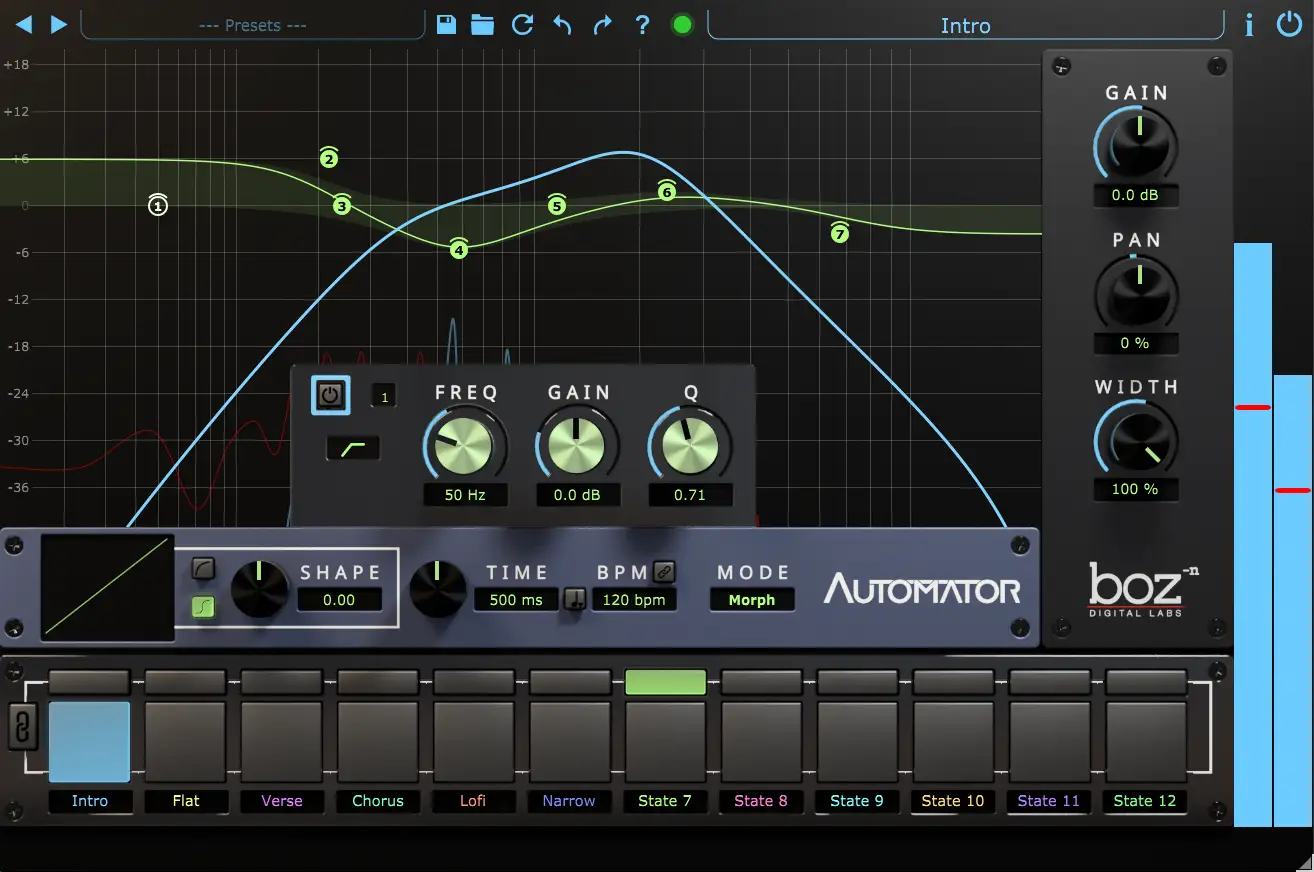
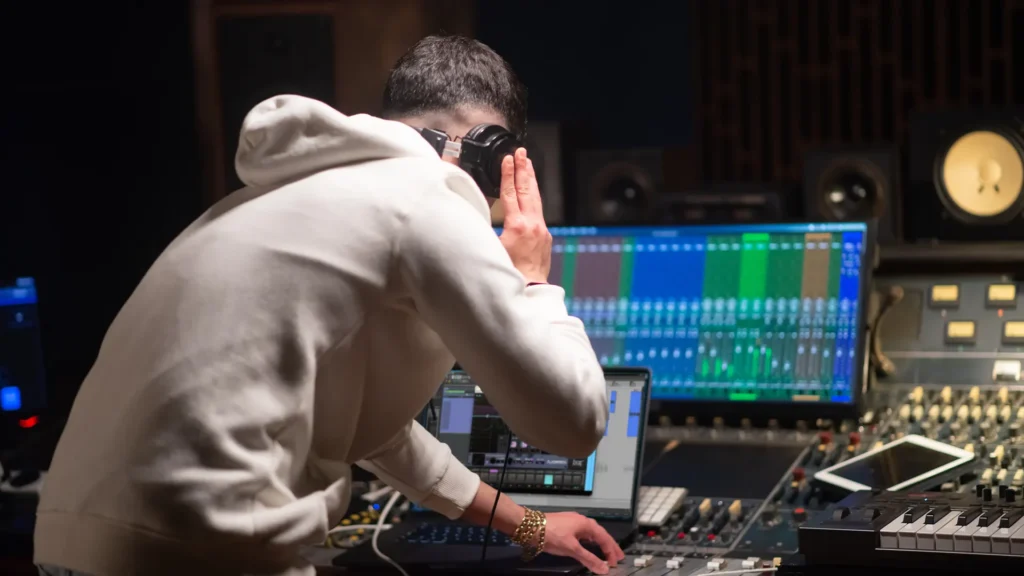
Automator collapses dozens of automation lanes into one simple control. Reshape EQ, volume, width and pan with a single lane.
Finally automate EQ without the lane nightmare.
Complex Automation Made Simple
Automator simplifies complex automation by collapsing dozens of automation lanes into a single, automatable control so you can automate EQ, volume, width, and pan, all while using only a single automation lane.
Use it to add variation and excitement across a song. Automate different sections to open the chorus with extra width, tighten a verse with subtle EQ shifts, or push a bridge with bold tonal changes.
Whether you need small, musical tweaks or dramatic transformations, Automator lets you shape movement and dynamics without the usual automation complexity. The result is more expressive, intentional automation that you will actually use.
See + Hear Automator in Action
MixbusTV Overview
David Gnozzi of MixbusTV walks through how he uses Automator to simplify his mixing process and make creativity easier.
Spinlight Studio Walkthrough
Rhys Zacher of Spinlight Studio dives into Automator to show you some time saving tips that add excitement to your mix.

Automator gives you
Automation without the complexity
- Automate between 12 customizable states
- Automate EQ, Gain, Pan and Width with a single
automation lane - Easily make minor or major changes to your tracks
to keep the song alive
Smooth Transitions
- Morph, crossfade or instantly jump to new settings
- Smoothly transition filter types without jumping
Say Goodbye to Static Mixes
Automate the most common parameters
- 7 Band EQ with smoothly automatable type
- Gain
- Pan
- Stereo Width
Quick Tip Videos
Edit and Live States
Easily edit and swap states using the the State Selection button array.
Transition Time
How to use the transition time in Automator to control exactly how long it takes to transition from one state to the next.
Automate Filter Types
Automator smoothly transitions between filter types and bypassed bands, allowing you to change filter types without the hard transition.
Transition Mode
Automator can either morph or crossfade between states. This video shows what each mode sounds like.
Use just One Automation Lane
Automator lets you use a single automation lane to change up to 38 parameters. This leaves your project clean and your workflow smooth.
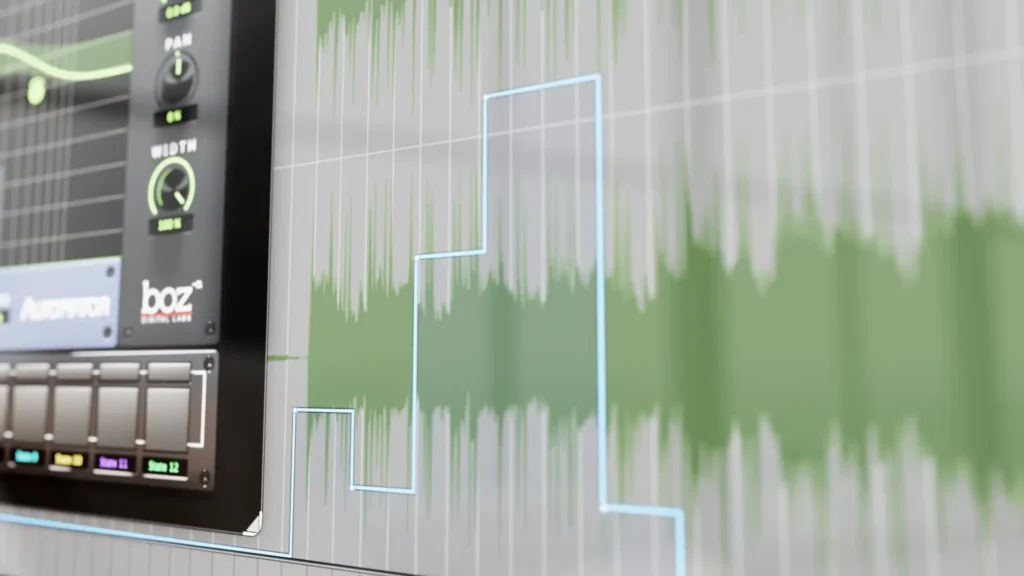

Automator brings real, usable automation to every track.
Because static mixes just don’t cut it.
System Requirements
Windows
- Windows 7 or Higher
- 64-bit
- AAX Native, VST2, VST3
Mac
- Intel or Apple Silicon
- 10.13 or Higher
- 64-bit
- AAX Native, VST2, VST3, AU


Trial Limitations
- Resets parameters each time the project is opened
- Restricts saving presets
Authorization Info
- Offline registration with serial number
- Perpetual License
- No iLok required